
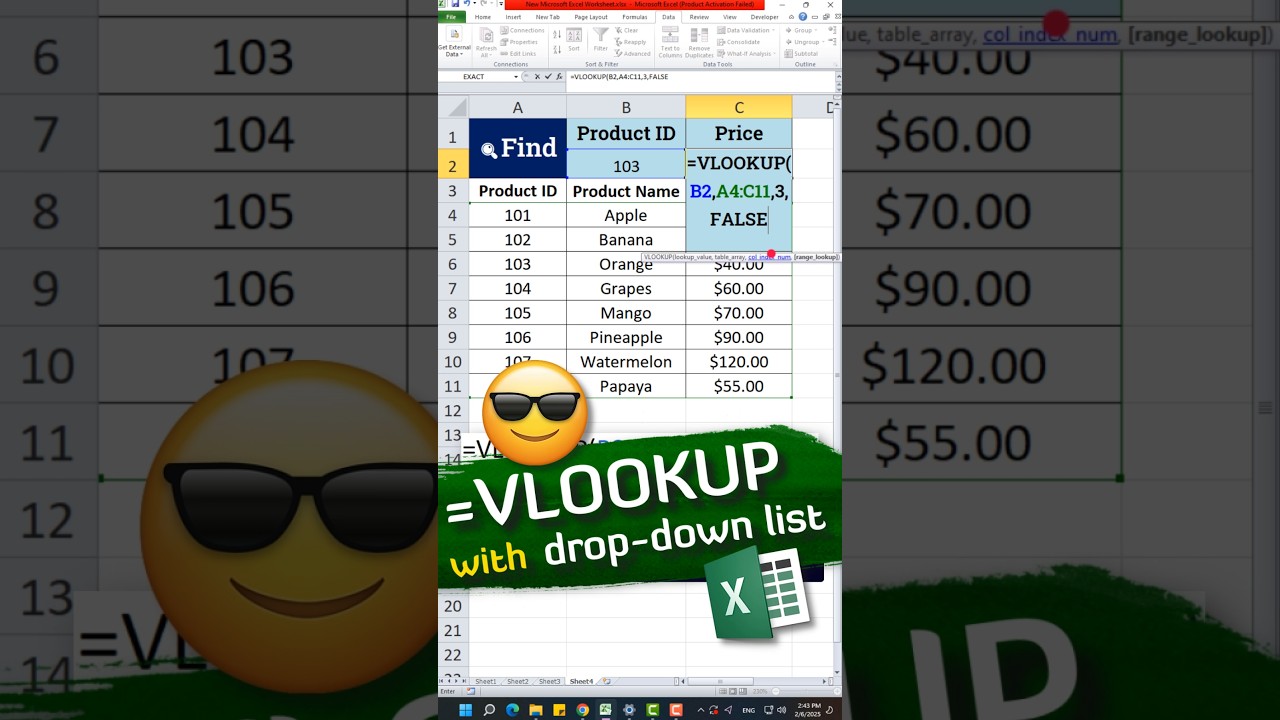
Discover how to combine VLOOKUP with a dropdown list in Excel to create a dynamic and interactive data retrieval system. This method ensures accurate lookups based on user selection, improving efficiency and reducing errors in spreadsheets. 🚀📊
In this video
VLOOKUP Formula
=VLOOKUP(B2,A4:C11,3,FALSE)
Subscribe to our channel for quick, easy tips on Google Apps, Excel, Photoshop, coding, and more! Get valuable skills in no time. Don’t forget to hit the bell 🔔 to stay updated with our latest videos. Let’s level up together! 💻✨


