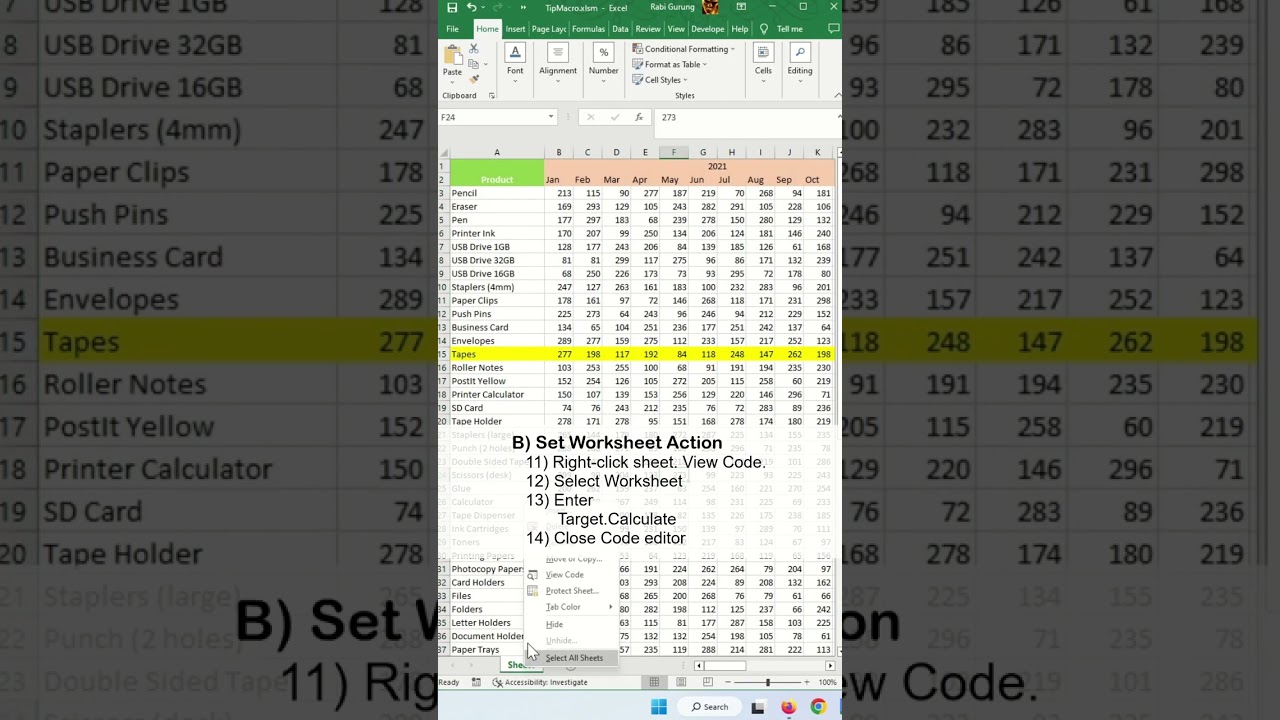
Learn how to highlight active row in Excel.
Here are the steps outlined in the video.
1) Ctrl + A
2) Home — Style — Conditional Formatting
3) New Rule
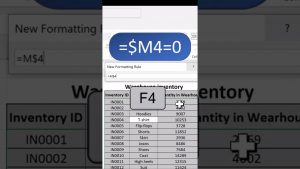
4) Select “Use a formula to determine which cells to format”.
5) =ROW()=CELL(“ROW”)
6) Format
7) Fill tab.
8) Select yellow colour.
9) OK
10) OK
11) Right-click sheet. View Code.
12) Select Worksheet
13) Enter
Target.Calculate
14) Close Code editor
#microsoft #excel #exceltips #tips #exceltricks #tricksandtips