• Articles
  • Videos
Menu
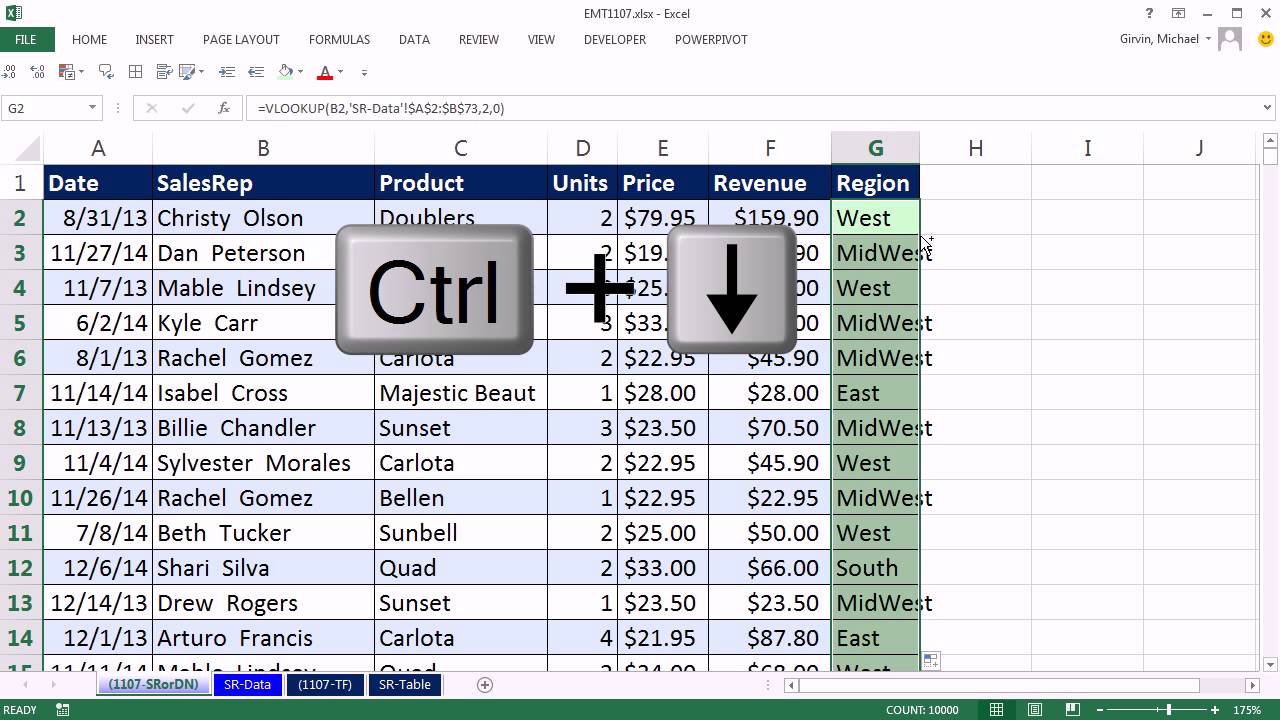
Excel Magic Trick 1107: VLOOKUP To Different Sheet: Sheet Reference, Defined Name, Table Formula?

Excel Magic Trick 1107: VLOOKUP To Different Sheet: Sheet Reference, Defined Name, Table Formula?

  • editor
  • August 25, 2019
  • Videos
  • 0 Comments

Download Excel File: http://people.highline.edu/mgirvin/ExcelIsFun.htm

See how to do a VLOOKUP to a different Sheet using:
1. Sheet References
2. Defined Names
3. Table Formula Nomenclature (Structured References)

Tags: AND Criteria, Ctrl Shift Enter Mastering Excel Array Formulas, Defined Name, excel, Excel 2003, excel 2007, Excel 2010, Excel 2013, excel jobs, excel tips, excel tricks, excel videos, excelisfun, Highline Community College, Mike Girvin, Sheet Reference, Slaying Excel Dragons, Table Formula, VLOOKUP To Different Sheet

Continue Reading

Previous PostExcel for Accounting: Formulas, VLOOKUP & INDEX, PivotTables, Recorded Macros, Charts, Keyboards
Next PostExcel Lookup/Search Tip 6 – Vlookup with a Drop Down Menu and Data Validation

You Might Also Like

Ultimate Excel Tips for you | Multiple subtotal in excel | Multiple Bill in excel only sum formula

Ultimate Excel Tips for you | Multiple subtotal in excel | Multiple Bill in excel only sum formula

August 4, 2022
IF function in Excel | Excel Tips and Tricks | #shorts

IF function in Excel | Excel Tips and Tricks | #shorts

September 27, 2022
Can you solve this Excel Interview Question? Excel Amazing Trick  #excel #exceltips #shorts

Can you solve this Excel Interview Question? Excel Amazing Trick #excel #exceltips #shorts

July 28, 2026

Leave a Reply Cancel reply

You must be logged in to post a comment.

Excel Jobs in your area.

Jobs from Indeed
jobs by Indeed