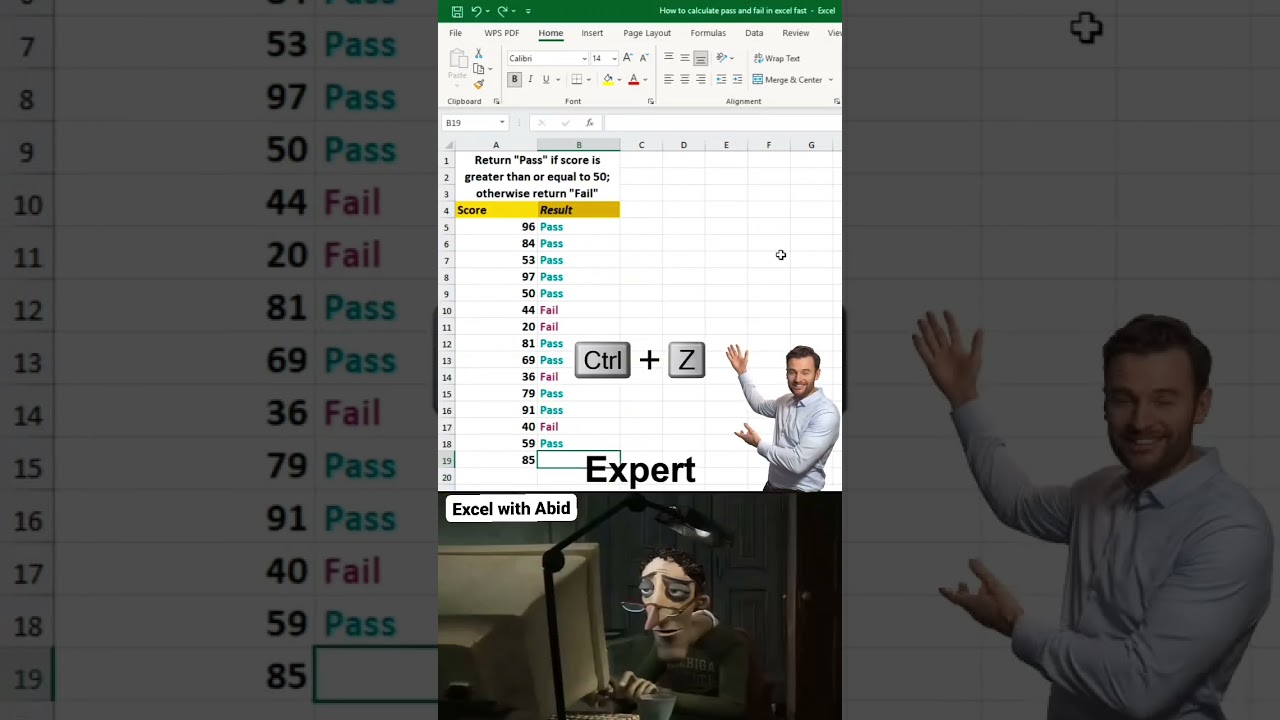
The IF formula is the most powerful and most-used function in Excel, and once you master it, you’ll automate decisions instead of doing them manually. In this video, you’ll learn exactly how the IF formula works and how to apply it to real-world situations like Pass or Fail results, Bonus or No Bonus calculations, and Stock or Out of Stock status — all updated automatically as your data changes.
Whether you’re a student, a fresher preparing for interviews, or someone who just wants to work faster in Excel, this tutorial breaks down the IF formula step by step so you actually understand the logic behind it, not just the syntax.
In this video, you’ll learn:
✅ What the IF formula is and how it works
✅ The exact syntax: =IF(logical_test, value_if_true, value_if_false)
✅ Real examples: Pass/Fail, Bonus/No Bonus, Stock/Out of Stock
✅ Common mistakes beginners make with IF
✅ How to use IF with text, numbers, and other formulas
✅ Tips to make your formulas faster and error-free
This is part of our mission to make Excel and Google Sheets simple and free for everyone — especially students and freshers who need practical skills for college, internships, and jobs.
???? Subscribe to Excel with Abid for more free Excel & Google Sheets tutorials every week!
???? Don’t forget to LIKE this video if it helped you save time in Excel.
???? COMMENT below if you want a tutorial on any other Excel formula!
???? More free tutorials & resources: excelproguide.online
#excel #ExcelTutorial #ExcelFormulas #IFFormula #ExcelTips #LearnExcel #ExcelForBeginners #MicrosoftExcel #ExcelShorts #ExcelHacks #exceltips #shorts